
MT5 demo
Learn the platform and test your settings. Platform access comes from the broker.
Register with a broker to get access to Adaptive AI Scanner, Adaptive AI Trader and GuruTrader training materials. Learn the platform and test your settings on demo.
You will leave GuruTrader.com. Availability and registration requirements are determined by the provider.
Partner link: GuruTrader.com may receive compensation.
Learn the platform and test your settings. Platform access comes from the broker.
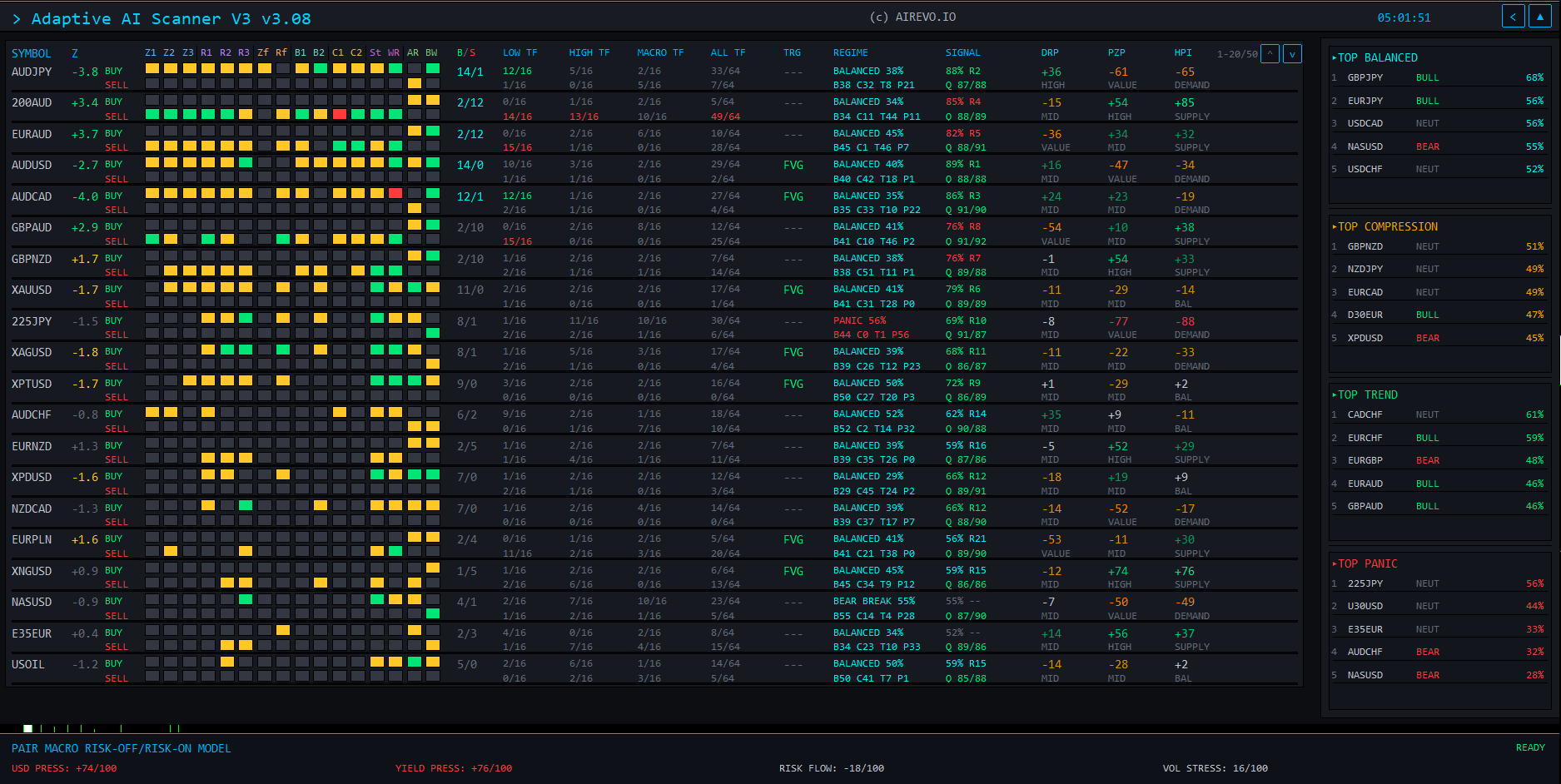
Compare markets and timeframes in one view, then choose a chart to analyse.
Automatically opens and manages trades according to your settings. Test your rules on demo and monitor risk limits.
Follow the steps from installation to your first use of the tools.
See the tools in action and ask questions. Dates are being prepared.
Registration availability and requirements are set by the broker. Check the applicable tool licence and access terms; registration is not a webinar booking.
Complete the broker’s form and follow its email confirmation instructions.
The broker sends your platform access details and download instructions. Follow its instructions to set up your demo.
GuruTrader contacts you individually to arrange access to Scanner, Trader and the training materials.
Install the tools, review your settings and follow the guides. Webinar invitations follow when dates are available.
From the broker: your MT5 access details and platform download instructions. Follow its registration and verification steps.
GuruTrader contacts you individually about access to Adaptive AI Scanner, Adaptive AI Trader, the course and installation guides. Webinar invitations follow when dates are available.
MT5 demo access from the broker, plus Adaptive AI Scanner, Adaptive AI Trader, beginner training and a webinar invitation from GuruTrader.
It can open and manage trades according to your settings. Test on demo, monitor its operation and review risk limits. Automation does not guarantee results.
Dates are being prepared. Use the MT5 guide now; a calendar will be available when booking opens.
Check your inbox and spam folder. For MT5 access, contact the broker through its portal. For the GuruTrader pack, use our contact details. Never send your trading password.
Contact GuruTraderEnter your details only on the provider’s website. GuruTrader.com does not receive your password.
Continue to broker registrationAfter registering with a broker, you will receive Adaptive AI Scanner, Adaptive AI Trader and the beginner course from GuruTrader. MT5 access comes from the broker. Webinar dates are being prepared.
Read the MT5 guide