
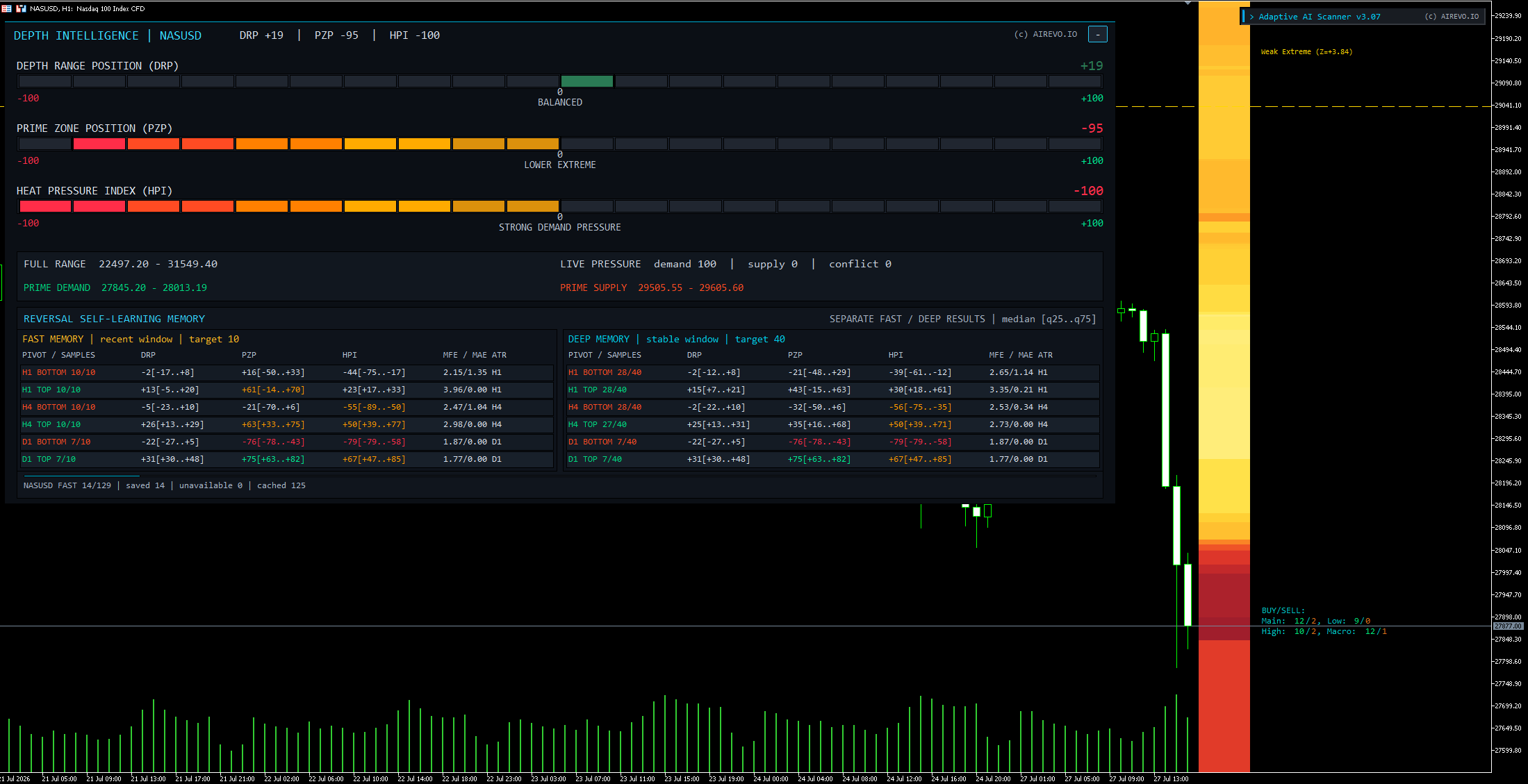
1. Install the desktop platform
Use the official MetaTrader 5 installer or the installer supplied by the selected demo provider. Confirm that you are installing MT5, not MT4.
2. Connect the demo account
Keep the login, password and exact server name together. A server mismatch is a common reason for connection errors.
- Verify the connection indicator
- Open a chart and confirm quotes update
- Check the account is marked demo
3. Add the Scanner first
Follow the installation package instructions, allow the required MT5 permissions and attach the tool to a chart. Start with the Scanner before any execution tool.
- Confirm the dashboard loads
- Run the first multi-market scan
- Open one shortlisted chart
- Compare Scanner context with the chart